The Private AI Receipt Scanner & Expense Tracker
Scan receipts. Track spending. Your records stay on your iPhone.
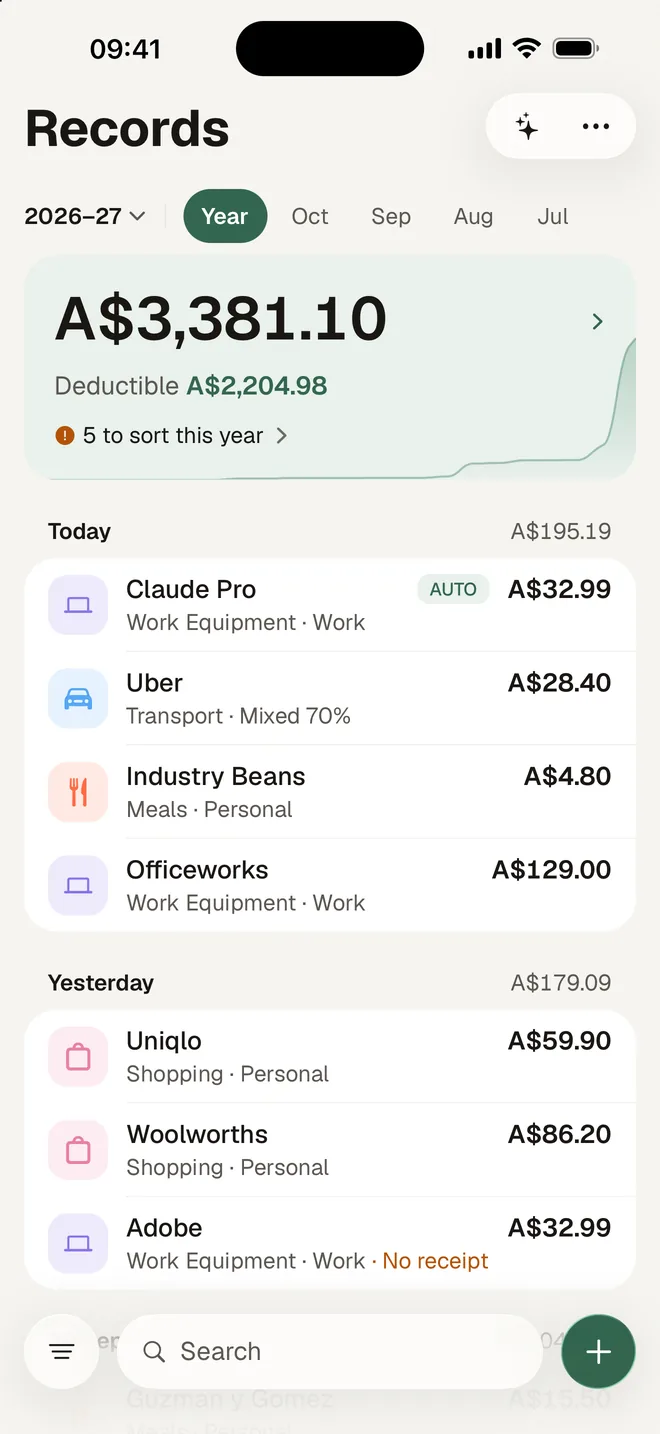
A$2,204.98
Deductible this year
Every receipt, every drive and every dollar you can claim, kept on your iPhone and ready on the day you lodge.
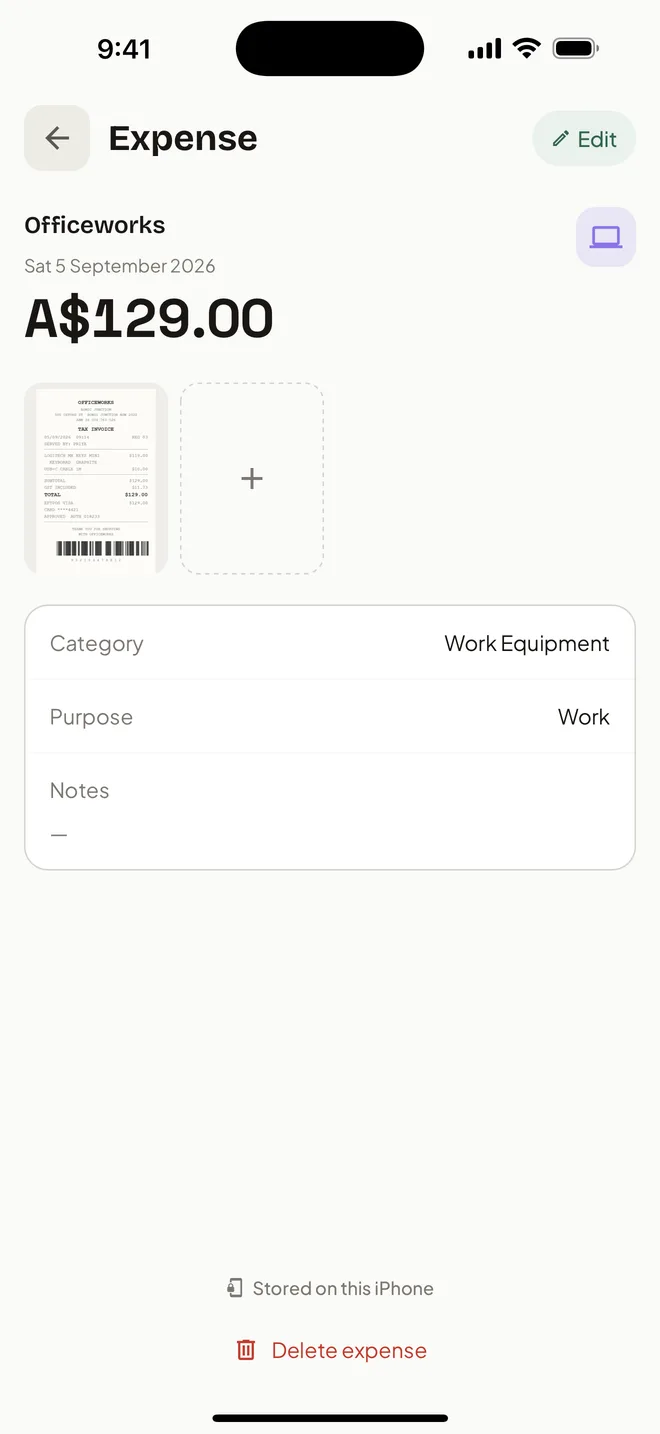
A$129.00
read from the receipt
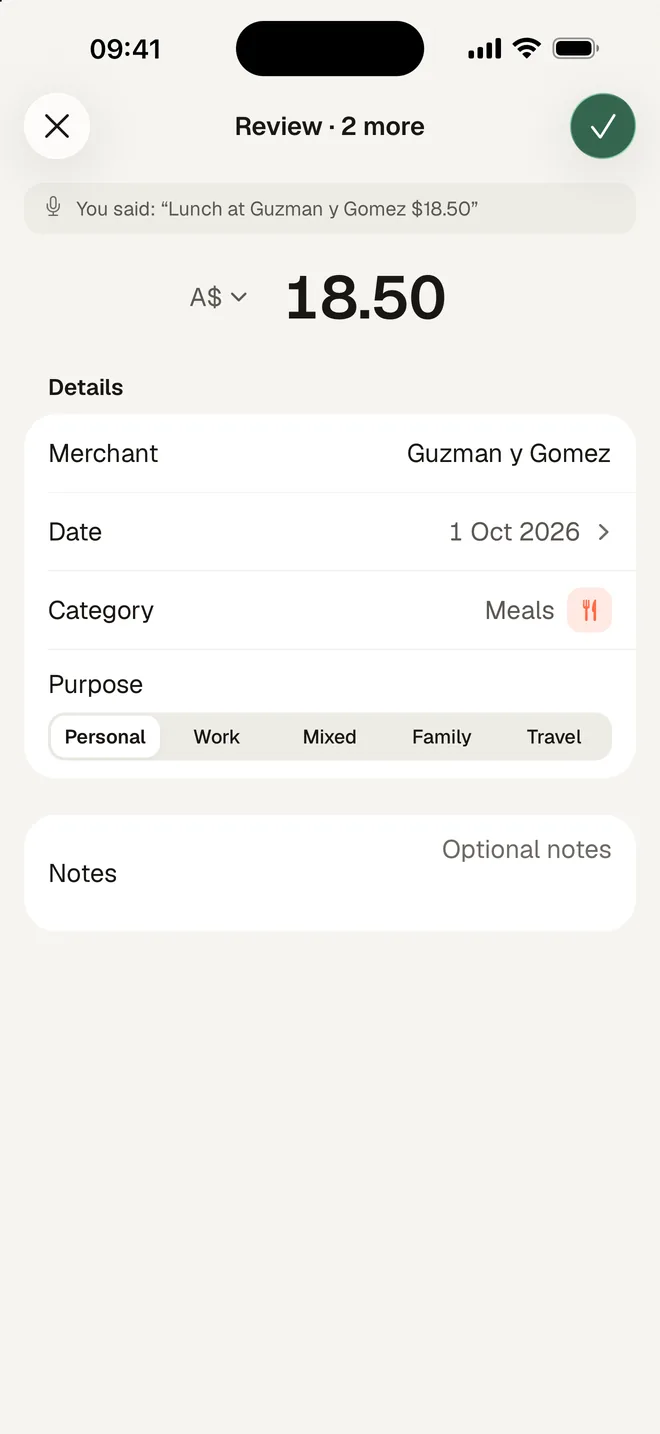
3 expenses
from one sentence
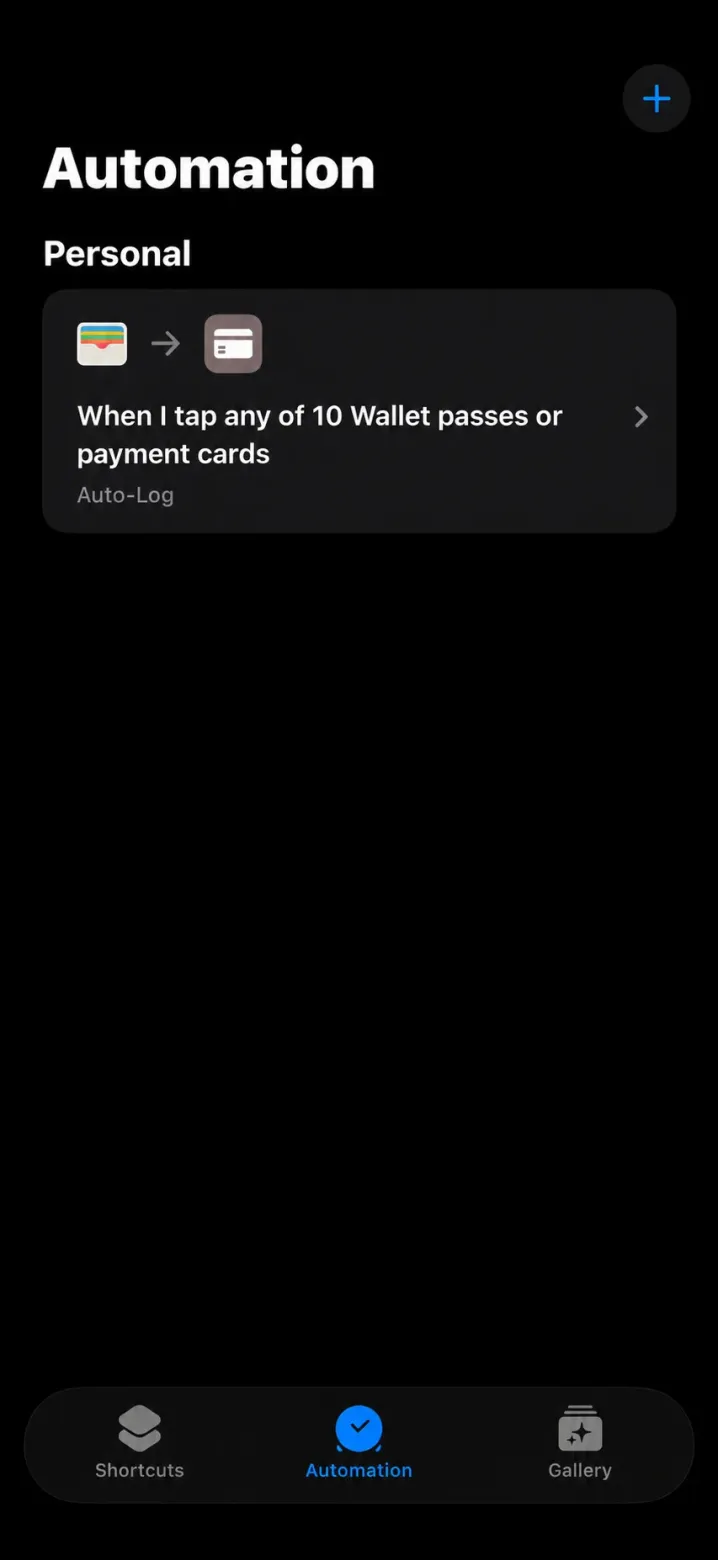
AUTO
logged from Apple Pay
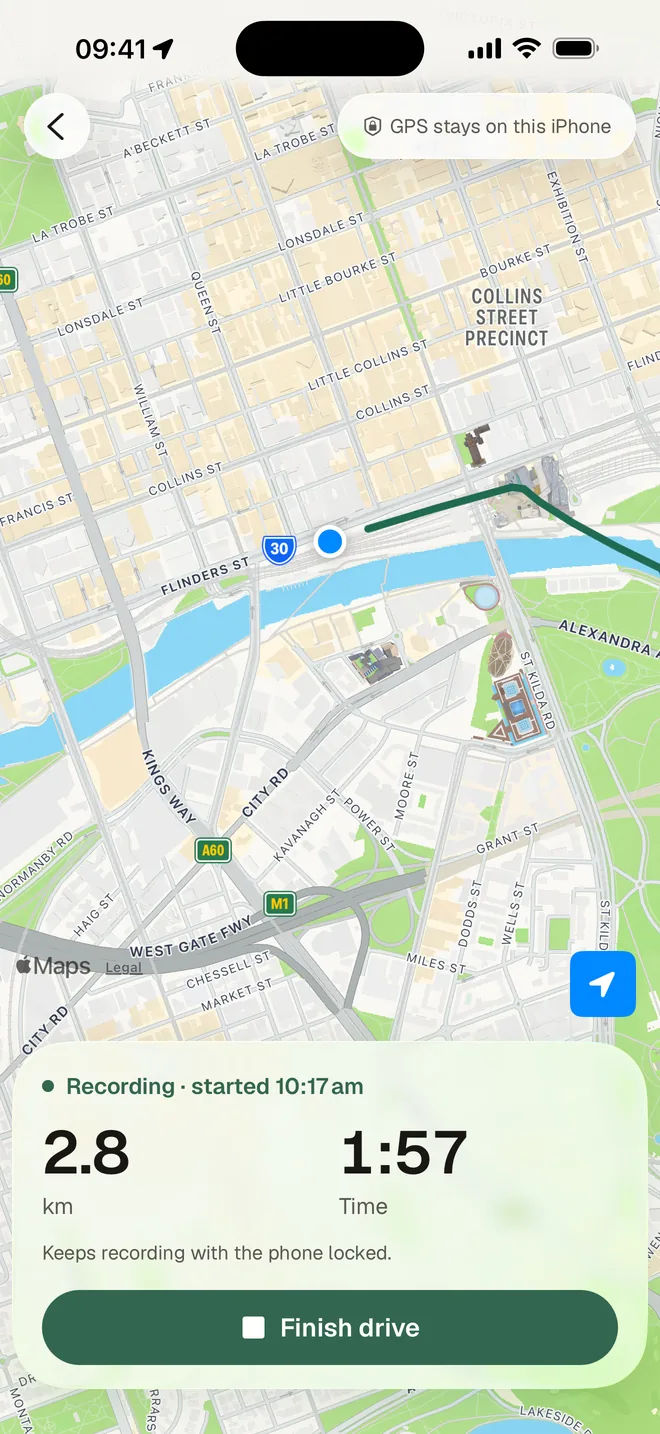
2.8 km
with the phone locked
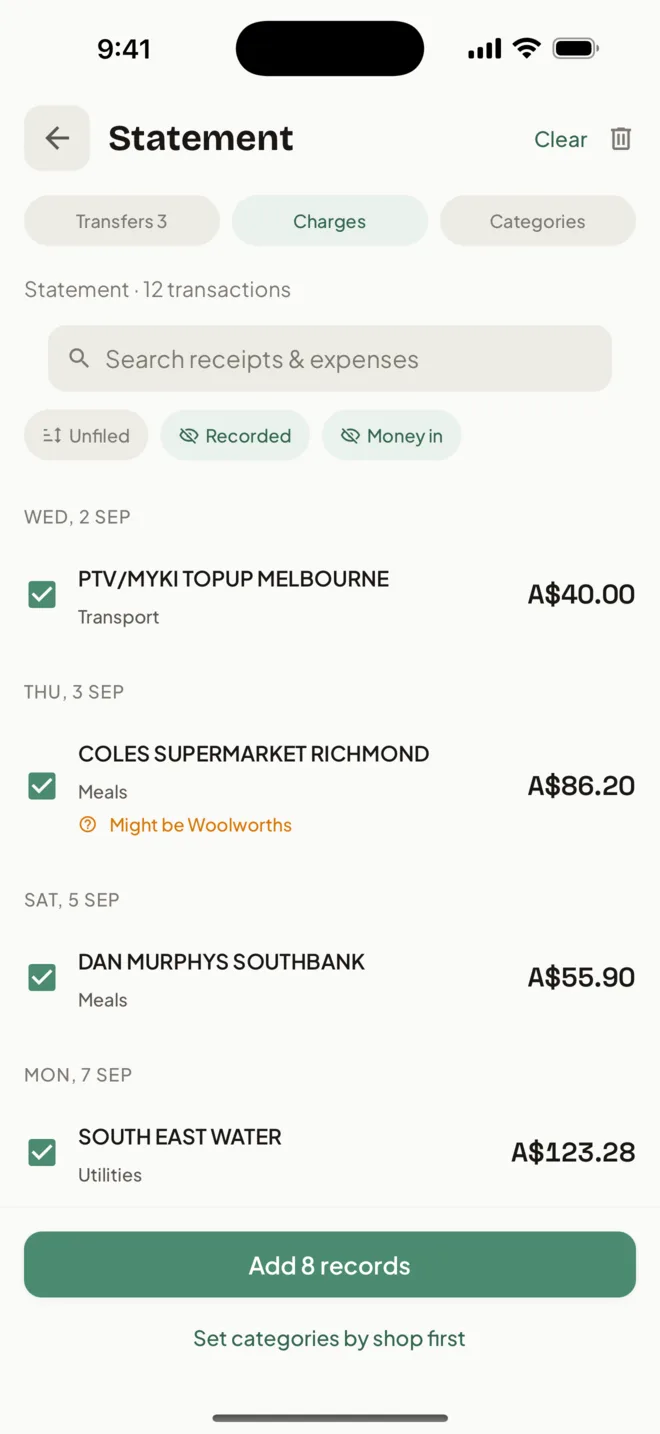
8 ticked
read from the PDF
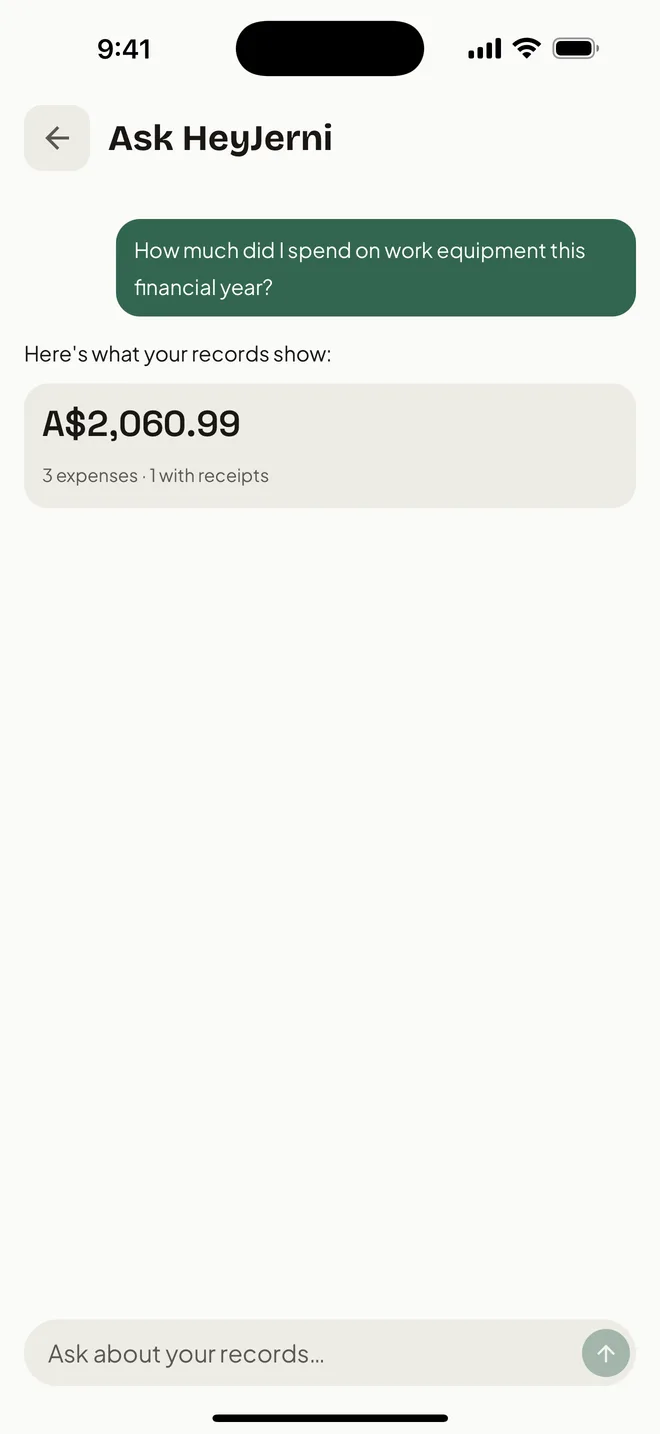
A$2,159.96
answered on the phone
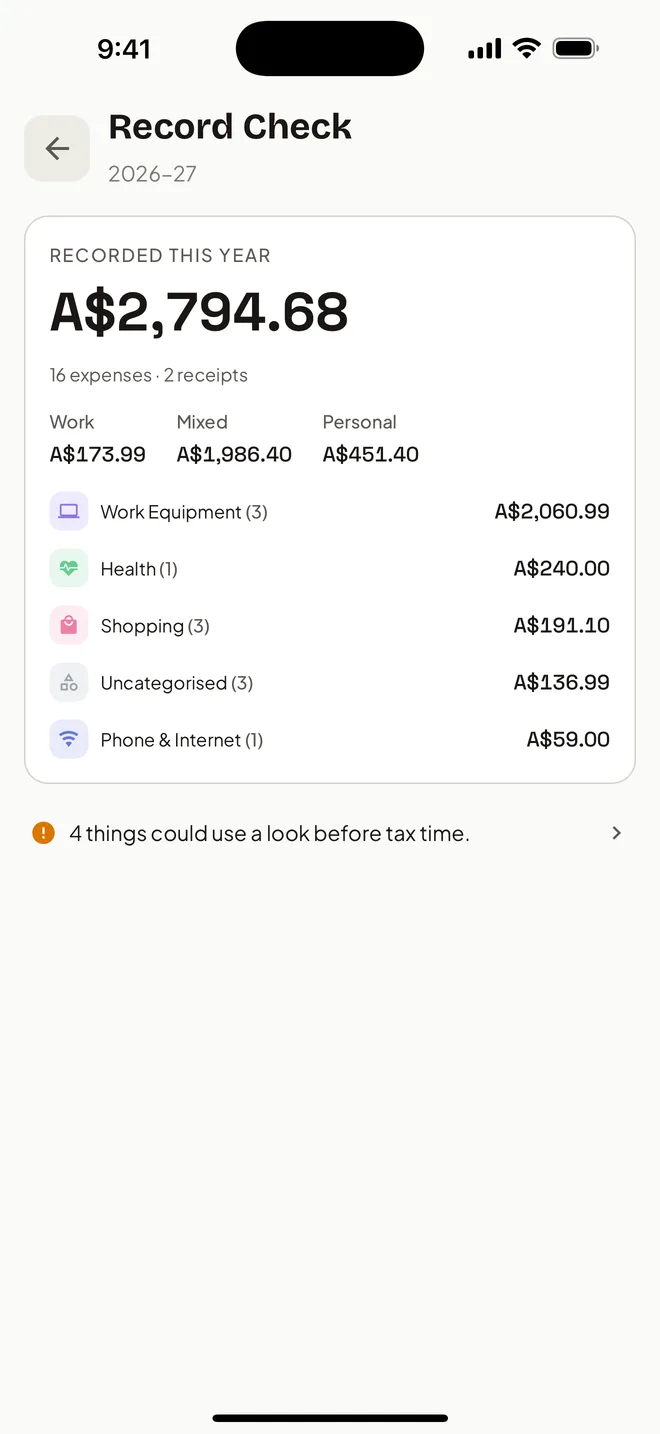
5 to sort
before you lodge
No account
nothing to sign up to
Receipt Scan
Snap, check, save
Photograph a receipt or a stack. The amount, merchant and date are read on the phone.
Voice
Say it, it is recorded
Say what you spent, several things at once. Each one becomes a draft to check.
Auto-log
Tap to pay, and it logs itself
One Shortcuts automation, set up once. Pay with Apple Pay and the merchant and amount land in your records, with fuel and transit under Transport.
How to set it up →Logbook
Log the drive, claim the km
GPS draws the route as you drive, with the phone locked too. Start and stop from the Drive widget, and claim by the km or the logbook.
Statement
The ones you never recorded
Share a bank statement and tick what you never recorded. Transfers stay out of your spending.
Step by step →Ask HeyJerni
Your spending, answered
Ask in plain English. The answer comes from your own records, worked out on your iPhone.
Tax time
Ready before you lodge
Record Check lists what is missing, then one tap exports the Accountant Pack.
Privacy
No account. Nothing sent to us.
Your records and the AI stay on this iPhone, encrypted. It works in Aeroplane Mode, and backs up to your own iCloud only if you turn that on.
Also in the app
The small things that add up
Works offline
After one 1.3 GB model download, scanning, voice and Ask need no internet.
Insights
Your year by month, purpose, category and merchant, with the estimated tax effect.
Your own categories
Icons and colours you choose. It remembers which merchant goes where.
Rego and insurance reminders
A reminder before each one is due, kept beside the car.
Subscriptions widget
What this month costs and what is due next, on your Home Screen.
Backups your way
An archive you keep, or a daily copy to your own iCloud Drive.
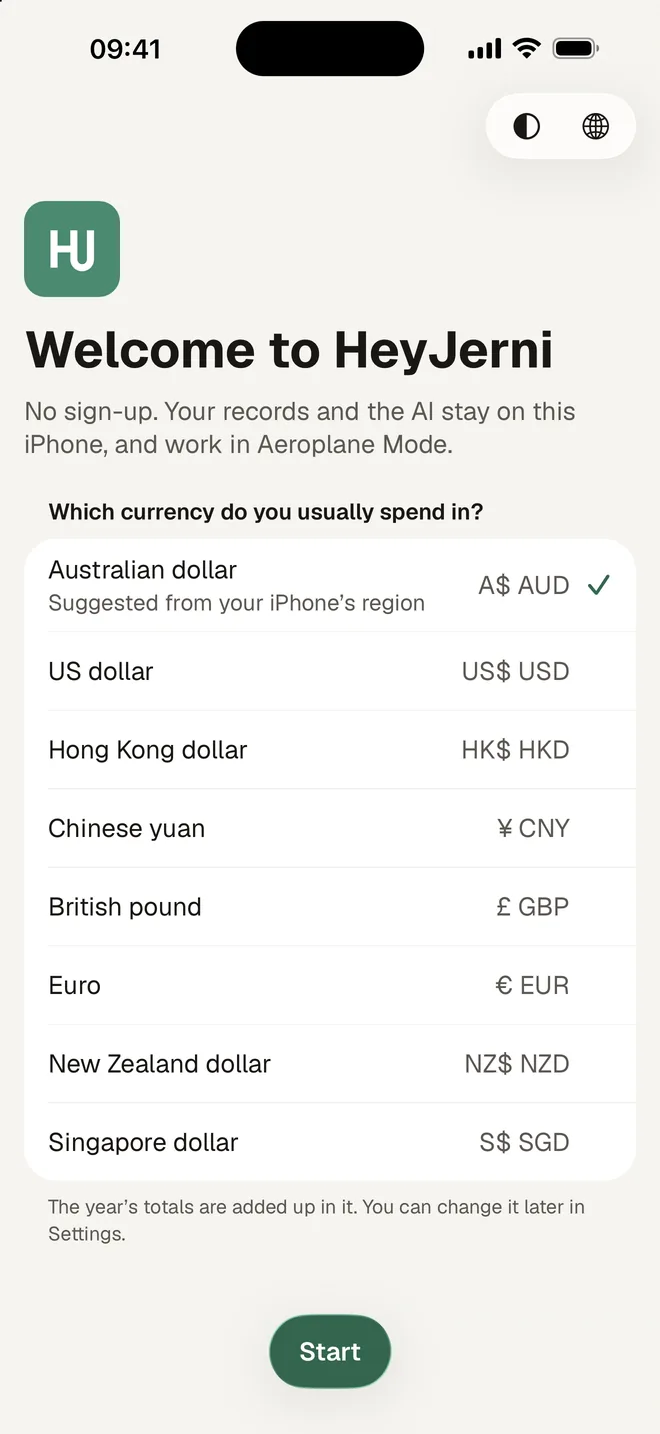
Eight currencies
The year is totalled in the one you pick.
English and Chinese
The app in English, 繁體 or 简体. Voice hears English, Cantonese and Mandarin.
Free to use. No subscription required.
A small ad keeps the lights on. Turn it off once, or support the app monthly and get the Accountant Pack export with it.
Free
$0
Everything, with a small ad
Remove Ads
One-time
One payment, no ads ever
Support HeyJerni
Monthly
Monthly, adds the Accountant Pack
How does HeyJerni protect my financial data?
Does HeyJerni connect to my bank?
Do I need to download the AI model? How big is it?
Does the app work without internet?
What iPhone do I need?
Is HeyJerni free? Are there ads?
Can I back up my data?
Which languages does it support?
HeyJerni at a glance
- Platform
- iPhone
- Minimum iOS
- iOS 16.4
- Apple Pay auto-log
- iOS 26.7 or later
- Receipt scanning reads
- Merchant, amount, date
- AI processing
- On-device
- Account
- Not required
- Bank connection
- Not required
- Statement import
- PDF, read on the phone
- Statement readers
- ANZ Plus, NAB, plus a general one
- Where records live
- Encrypted on your iPhone
- Accountant Pack
- PDF, CSV, logbook and receipt images
- Financial year
- 1 July – 30 June
- Price
- Free to use, no subscription required
- Languages
- English, 繁體中文, 简体中文
Where to start
- Expense tracker for AustraliaBuilt around 1 July to 30 June and the records that go with it.
- Receipt scanner for tax recordsWhat a receipt has to show, and how to keep it readable for years.
- Apple Pay expense trackerPurchases logged as you tap, with no bank connection.
- iPhone expense trackerWhat the app does because it lives on the phone, not a server.
- Private expense trackerNo account, no copy on our side, and what that costs as well as gives.
- Work expense trackerKeeping work and personal apart on the one card.
- Australian Pay & Tax CalculatorEstimate take-home pay, tax, Medicare, super and student-loan repayments.
- All free toolsCalculators and checklists for pay, work expenses and tax time.
