Expense records for freelancers whose costs are mostly invisible
A tradie can see the work expense: it is sitting in the back of the ute. A freelancer's costs are a subscription that renewed at 3am, a percentage of an internet bill, a monitor bought eighteen months ago, and a coffee with a client.
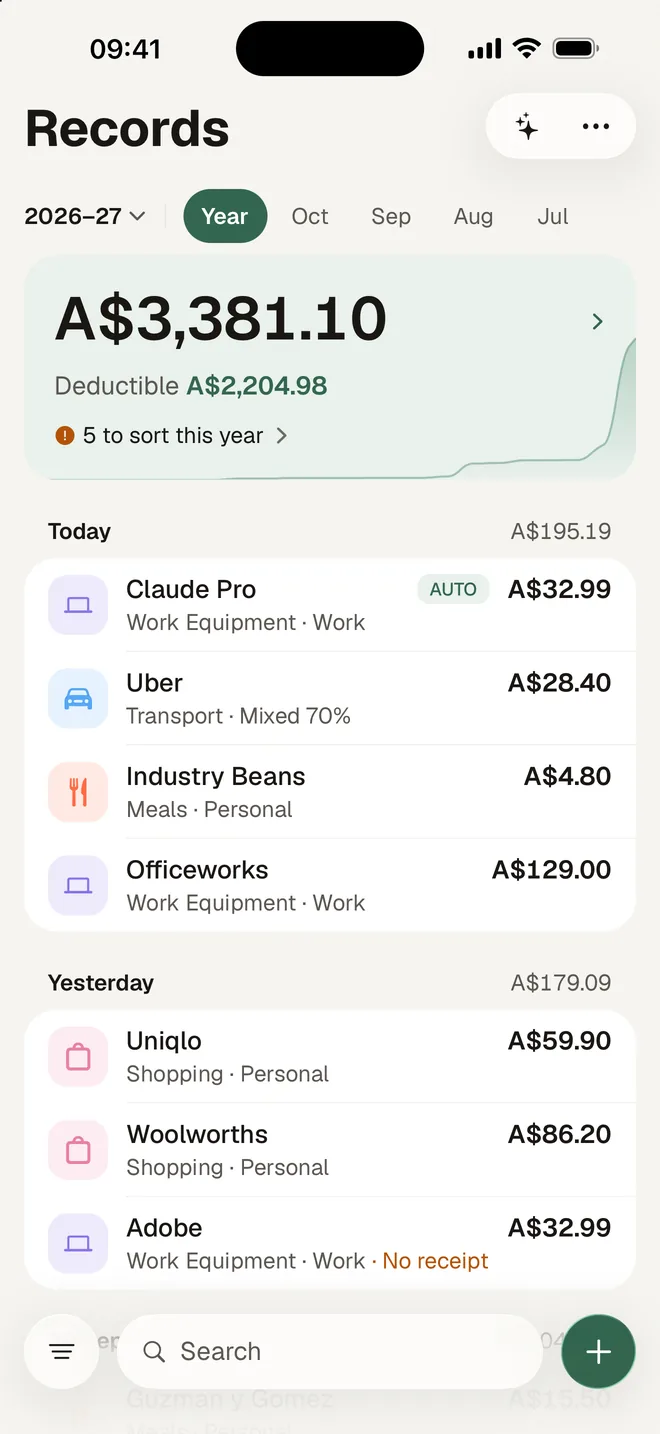
None of them leave a pile of paper, and all of them belong in your records. HeyJerni catches them on your iPhone, with no bank linking, and no subscription required to use it.
Where freelancers lose the records
- Subscriptions renew silently. Design tools, hosting, a stock library, an AI plan. Charged monthly, noticed annually, recorded never.
- Home office is a percentage, not a receipt. The internet bill and the power bill may be relevant to your work-expense records in part, but only if you wrote down which part and why.
- Client costs get absorbed. The coffee, the parking at their office, the domain you bought on their behalf and never invoiced.
- Income is lumpy, so tracking is too. Two busy months, one quiet one, and the quiet month is when you were going to catch up on paperwork.
How HeyJerni fits a freelance week
Let the card purchases log themselves
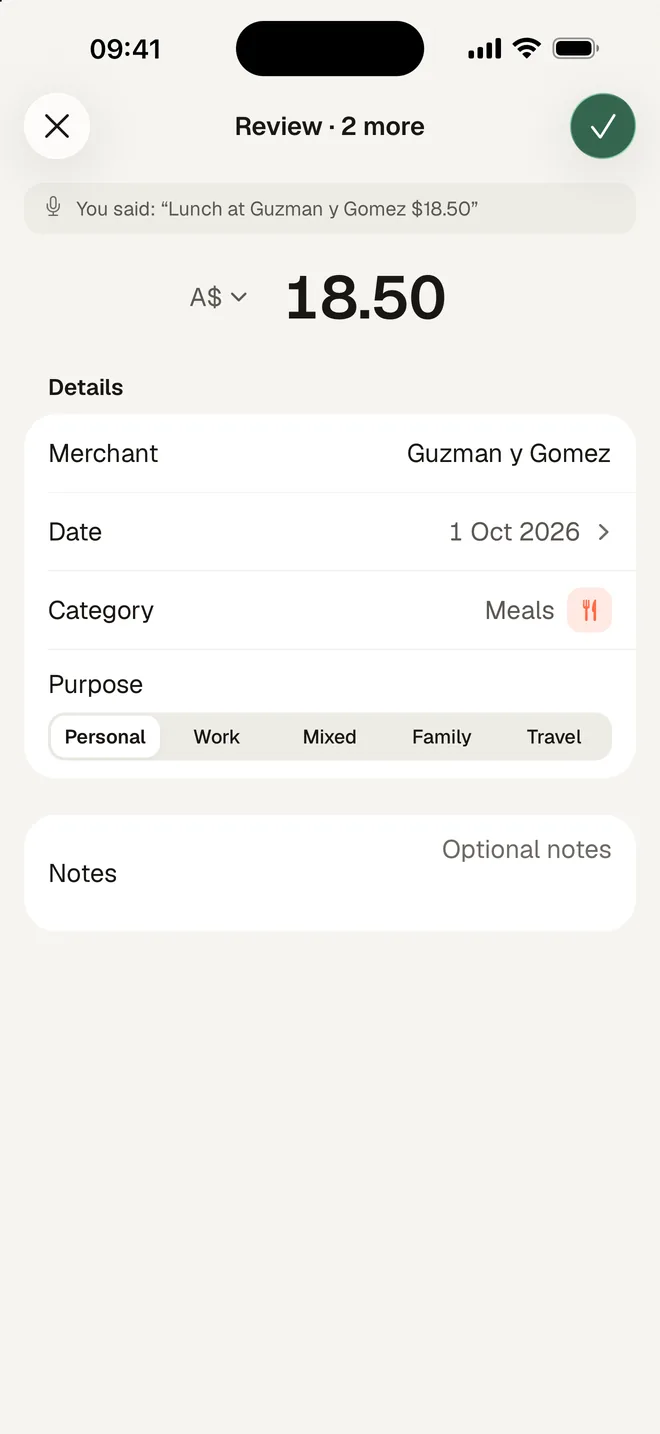
A one-time Shortcuts automation records every tap-to-pay purchase with the merchant and amount. The client coffee and the parking stop escaping.
Scan the receipts that arrive by email
Save an emailed invoice or receipt as an image and scan it from your photo library. It becomes a record with the image attached, like a paper one.
Set the work-use share once per merchant
Your internet, your phone, the software you also use personally. Set a percentage and HeyJerni remembers the merchant, so the next bill arrives already split.
Ask instead of building a spreadsheet
Ask what you spent on software this financial year and get an answer computed from your own records, on the phone.
Costs freelancers commonly keep records for
Common business expenses for people working for themselves, drawn from ATO guidance. Each needs a record showing the supplier, the amount, what it was and the date, plus the work-use share where it is not entirely business. Whether an expense is deductible for you depends on your circumstances; the ATO and a registered tax agent are the sources.
- Software subscriptions and cloud services used for work
- Home office running costs, the work-use share
- Phone and internet, the work-use share
- Computers, monitors, cameras and other equipment, including depreciation on larger items
- Professional memberships, courses and training related to your current work
- Advertising, website hosting and domain costs
- Accounting, legal and insurance fees
- Travel and parking for client work, excluding the ordinary commute
A two-minute Friday routine
- 1Open Records and tap Unreviewed.
- 2Confirm purpose and work use on the week's purchases. Recurring merchants are usually one tap.
- 3Save any emailed receipts as images and scan them.
- 4At 30 June, run Record Check and export the pack for your agent.
What HeyJerni does not do
- Invoicing, quotes or chasing payment. That is your invoicing tool's job.
- Income tracking, GST or BAS. HeyJerni is the expense side only.
- Bank linking. By design; the records stay on the phone.
Frequently asked questions
Do I need accounting software as a freelancer?
How do I handle a subscription I use for both work and personal?
What about home office costs?
Can it track income too?
I work from cafes and coworking spaces. Does it work offline?
What does my accountant receive?
Keep reading
Sources
- ATO: records you need to keep
- ATO: deductions you can claim
- ATO: occupation and industry specific guides
Last reviewed: September 2026. Tax information on this page is based on publicly available Australian Taxation Office guidance. HeyJerni is a record-keeping tool and does not provide tax or financial advice.

Start with this month's subscriptions
Download HeyJerni, scan one receipt or set up auto-log, and let the invisible costs start showing up in your records.
