An iPhone Expense Tracker That Uses the Phone You Already Have
Most expense apps on the App Store are an account you log into, with the real work happening on a server somewhere.
iPhone only. iOS 16.4 or later, iPhone 12 or newer recommended.
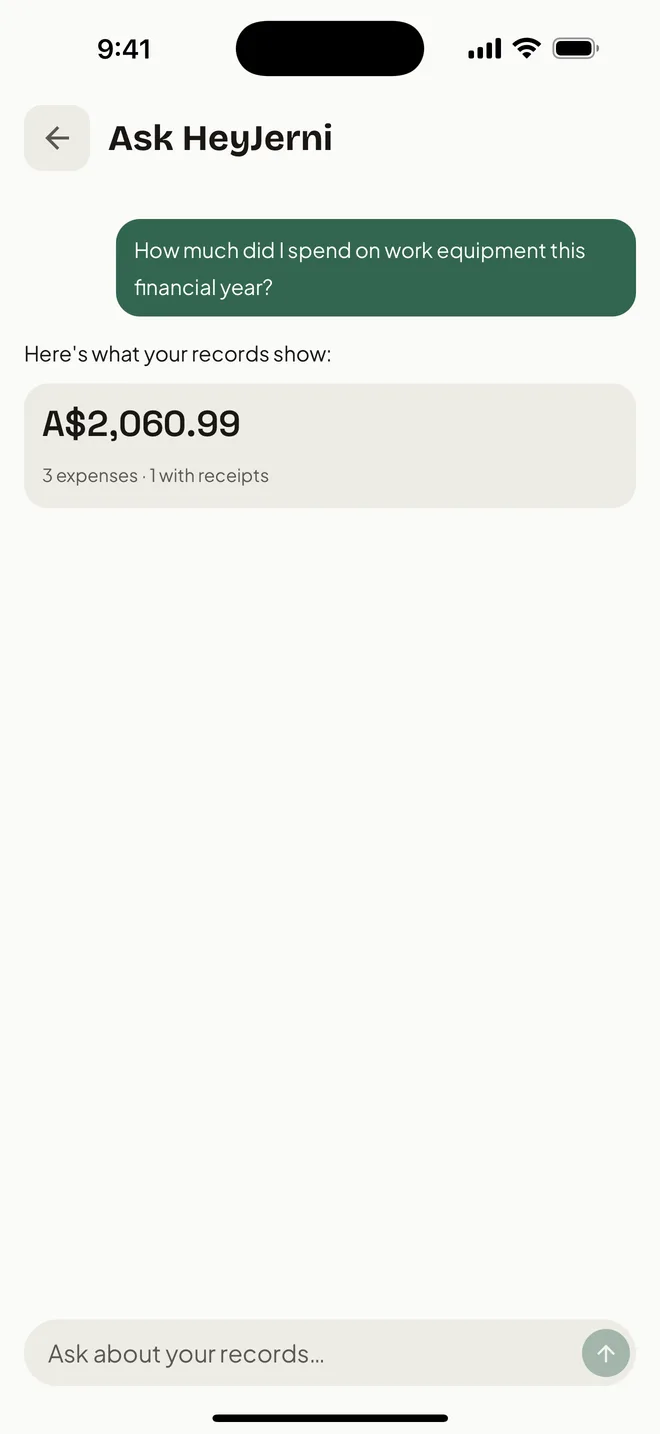
HeyJerni is the other kind: the camera reads the receipt, Shortcuts logs the Apple Pay purchase, an AI model runs on the phone, and the records live in an encrypted database on the device. There is no sign-up screen because there is nothing to sign up to.
What it uses the iPhone for
These are the parts that would have to be rebuilt, or given up, if the same app existed on the web.
The camera as a scanner
Point it at a receipt, or a stack of them. Capture and reading happen in one motion, with no upload step in between.
Wallet automations in Shortcuts
iOS can run a shortcut the moment a card transaction happens. HeyJerni uses that to record Apple Pay purchases without you opening the app.
An AI model on the device
Receipt reading, categorisation and spending questions run against a model downloaded once to the phone. Nothing is sent away to be processed.
Local encrypted storage
Records sit in an AES-256 encrypted database on the iPhone rather than in an account you could be locked out of.
Files and share sheets for export
Exports go where you send them: the Files app, your own iCloud Drive, an email to your accountant. HeyJerni does not hold a copy.
Notifications that mean something
An auto-logged purchase arrives as a notification you can act on, instead of a weekly digest email from a service.
The first five minutes
Install and open
No email, no password, no onboarding questionnaire. The app opens on your records, which are empty until you add something.
Download the AI model once
The on-device model is around 1.3 GB and downloads once over Wi-Fi. After that, scanning and asking work with no connection at all.
Scan a receipt
Photograph anything in your wallet. The merchant, amount and date are read on the phone and shown for you to confirm.
Set up auto-log if you use Apple Pay
A two-minute Shortcuts automation, and future tap-to-pay purchases record themselves.
What the requirements actually mean
HeyJerni runs on iOS 16.4 or later. The Apple Pay auto-log automation needs iOS 26.7 or later, which is where the Wallet transaction trigger reliably fires. Everything else works without it.
An iPhone 12 or newer is recommended, not required. On-device AI is the part that leans on the hardware: an older phone will read receipts, just more slowly.
There is no Android version, no web app and no desktop app, and none are planned in the way a cloud product would plan them. The design decision that keeps your records on the phone is the same one that keeps them off every other device.
This suits you if you
- Want the app to work without an account
- Would rather your financial records never left the phone
- Pay with Apple Pay and want that captured
- Are happy exporting to Files or email yourself
- Have an iPhone on iOS 16.4 or later
This does not suit you if you
- Need the same data on an Android phone or a laptop
- Want automatic sync between devices
- Share expense tracking with a partner or a team
- Want a web dashboard to review at a desk
The trade-off, stated plainly
Keeping everything on one device means we hold no copy for you to fall back on. If the phone is lost and you have no backup, the records are gone, because nobody else has them.
So have a backup. Turn on iCloud backup and the records go to your own iCloud Drive once a day, off until you turn it on and never sent to us; or export a full backup archive by hand, with the records and receipt images, and keep it where you like. Either way it is yours to look after, and that is the honest cost of not having an account.
Frequently asked questions
Is there an Android version?
Do I need an account?
How big is the AI model?
Does it sync between my iPhone and iPad?
Will it work on an older iPhone?
What happens if I lose my phone?
Related pages

Try it without creating anything
Download HeyJerni and scan a receipt. No email, no password, no account to delete later.
