Expense records for contractors who work across several sites
Contracting means the costs move with you: a licence renewal in one month, a piece of equipment in another, fuel and tolls between sites every week, and PPE that wears out faster than you replace it.
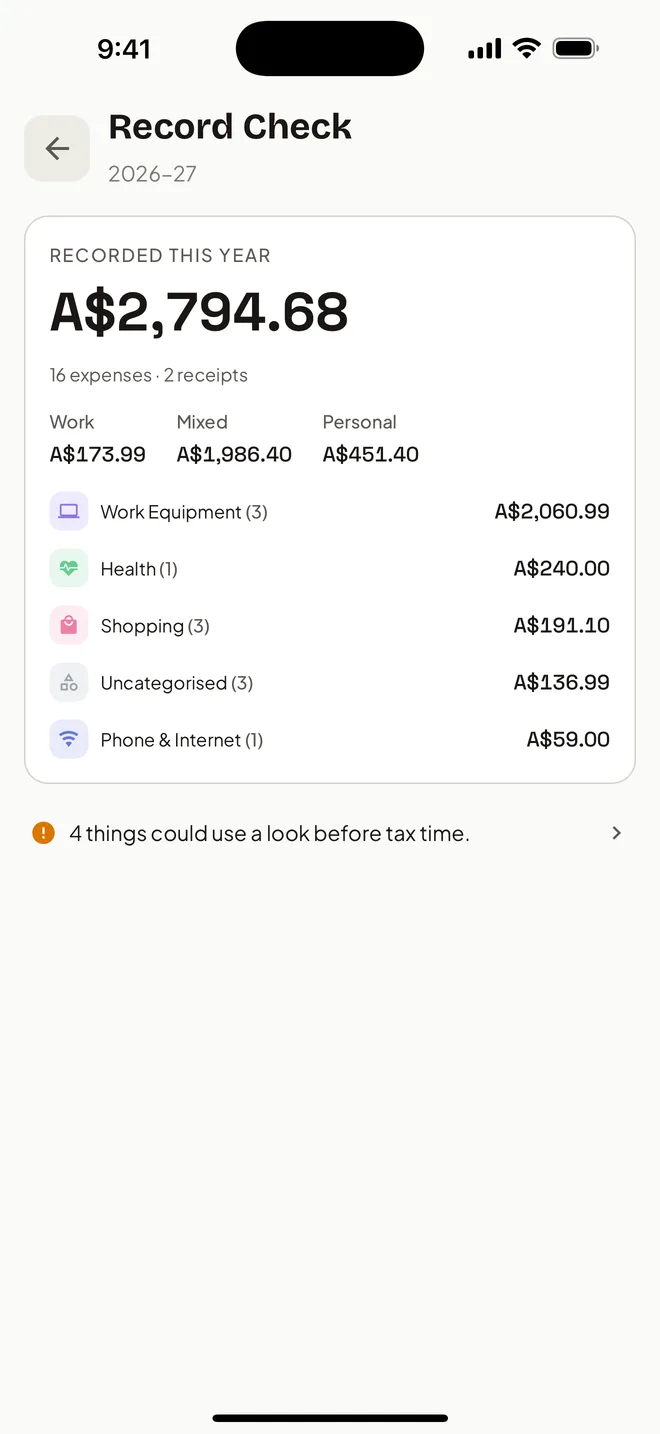
The records have to hold together across jobs and clients that change every few months. HeyJerni keeps them on your iPhone, capture as you go, exported once at the end of the financial year. Trips between sites in the ute or van go in the same place, recorded by GPS; for a car, that supports a cents-per-kilometre or logbook claim.
Where contractors lose records
- Jobs change faster than paperwork. By the time an invoice is paid you are on the next site and last month's receipts are in the door pocket.
- Travel between sites blurs together. Fuel, tolls and parking are small, frequent, and forgotten as a group rather than one at a time.
- Licences, tickets and insurance renew annually. Once a year is exactly the interval at which nobody has a system.
- Equipment is bought under pressure. The part you needed today, paid for with whatever card was in your pocket, receipt straight into the glovebox.
How HeyJerni fits contract work
Capture at the counter or in the van
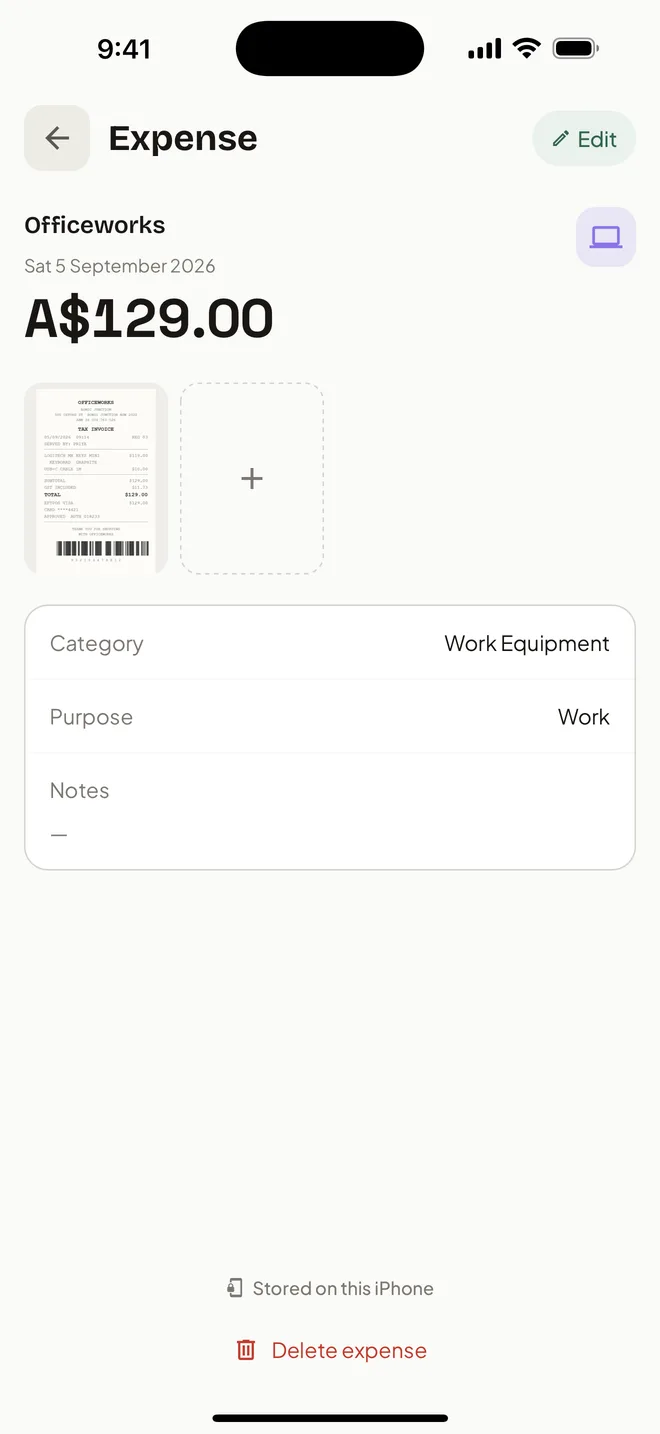
Photograph the receipt before you drive off. On-device AI reads the supplier, amount and date, and the image stays attached to the record.
Let Apple Pay purchases record themselves
Fuel, tolls, hardware, the site coffee. A one-time Shortcuts automation logs each purchase with the merchant and amount as you tap.
Mark work use and let it stick
Set the purpose once for a supplier and HeyJerni applies it next time. The suppliers you use weekly stop needing any thought.
Check the year before you lodge
Record Check lists what still needs a receipt or a category across the whole financial year, in time to go and find it.
Costs contractors commonly keep records for
Common work-related expenses for independent contractors, drawn from ATO guidance and the occupation guides. Each needs a record. Whether an expense is deductible for you depends on your contract, your trade and how you use the item; check the ATO guide for your occupation or ask a registered tax agent.
- Tools, equipment and consumables, and repairs to them
- Protective clothing, safety gear and its laundry
- Licences, tickets, permits and their renewals
- Public liability, income protection and tool insurance
- Travel between work sites, including tolls and parking, but not the commute from home
- Phone and internet, the work-use share
- Training and courses related to your current work
- Accounting and professional fees
A two-minute Friday routine
- 1Open Records and tap Unreviewed.
- 2Confirm the category and work use on the week's purchases.
- 3Scan the receipts still in the van or the bag.
- 4At 30 June, run Record Check and export the pack for your accountant.
What HeyJerni does not do
- Invoicing clients, quoting or tracking who has paid you.
- GST, BAS or payroll. Keep accounting software for the business side if you are registered.
- Bank linking. By design; records stay on the phone.
Frequently asked questions
Can I track expenses per job or client?
What about travel between sites?
Does it work on site with no reception?
I am registered for GST. Is this enough on its own?
How do I record a tool I use for work and at home?
What does my accountant receive?
Keep reading
Read next
Sources
- ATO: records you need to keep
- ATO: deductions you can claim
- ATO: occupation and industry specific guides
Last reviewed: September 2026. Tax information on this page is based on publicly available Australian Taxation Office guidance. HeyJerni is a record-keeping tool and does not provide tax or financial advice.

Start with the receipts in the van
Download HeyJerni and scan what is already in the door pocket. Supplier, amount and date fill themselves in.
